Agile methodologies prioritize iterative progress, adaptability, and continuous feedback. Within this fast-paced environment, clear communication becomes the backbone of successful delivery. While user stories and backlogs define what needs to be built, technical discussions often require a visual representation of how components interact. This is where sequence diagrams come into play. They offer a structured way to visualize the flow of information between system parts over time. By integrating sequence diagrams into the development lifecycle, teams can reduce ambiguity, align on logic before coding begins, and maintain a clearer understanding of complex interactions.
Many teams worry that detailed design documentation slows down Agile sprints. However, when applied correctly, these diagrams act as a shared language rather than a bureaucratic hurdle. They bridge the gap between product requirements and technical implementation. This guide explores the practical application of sequence diagrams in an Agile context, focusing on communication, architecture, and efficiency.
🔍 Understanding the Basics of Sequence Diagrams
A sequence diagram is a type of interaction diagram in Unified Modeling Language (UML). It shows how operations are carried out — what messages are sent and when. The diagram focuses on the object lifecycle and the order of events. It does not show the internal structure of a class, but rather the dynamic behavior of the system.
Key components include:
Lifelines: Vertical dashed lines representing objects, actors, or system boundaries.
Messages: Arrows indicating communication between lifelines. These can be synchronous (blocking) or asynchronous (non-blocking).
Activation Bars: Rectangular bars on a lifeline showing when an object is performing an action.
Combined Fragments: Boxes that represent loops, alternatives (if/else), or parallel processes.
In an Agile setting, these diagrams are not necessarily created as formal deliverables. Instead, they serve as working documents during refinement sessions. They help developers and stakeholders agree on the flow of data before a single line of code is written. This alignment prevents costly rework later in the sprint.
🚀 Why Agile Teams Need Visual Communication
Agile thrives on face-to-face conversation. However, in distributed teams or complex systems, verbal descriptions can lead to misinterpretation. A developer might interpret a requirement differently than a tester or a product owner. Visual models reduce this cognitive load.
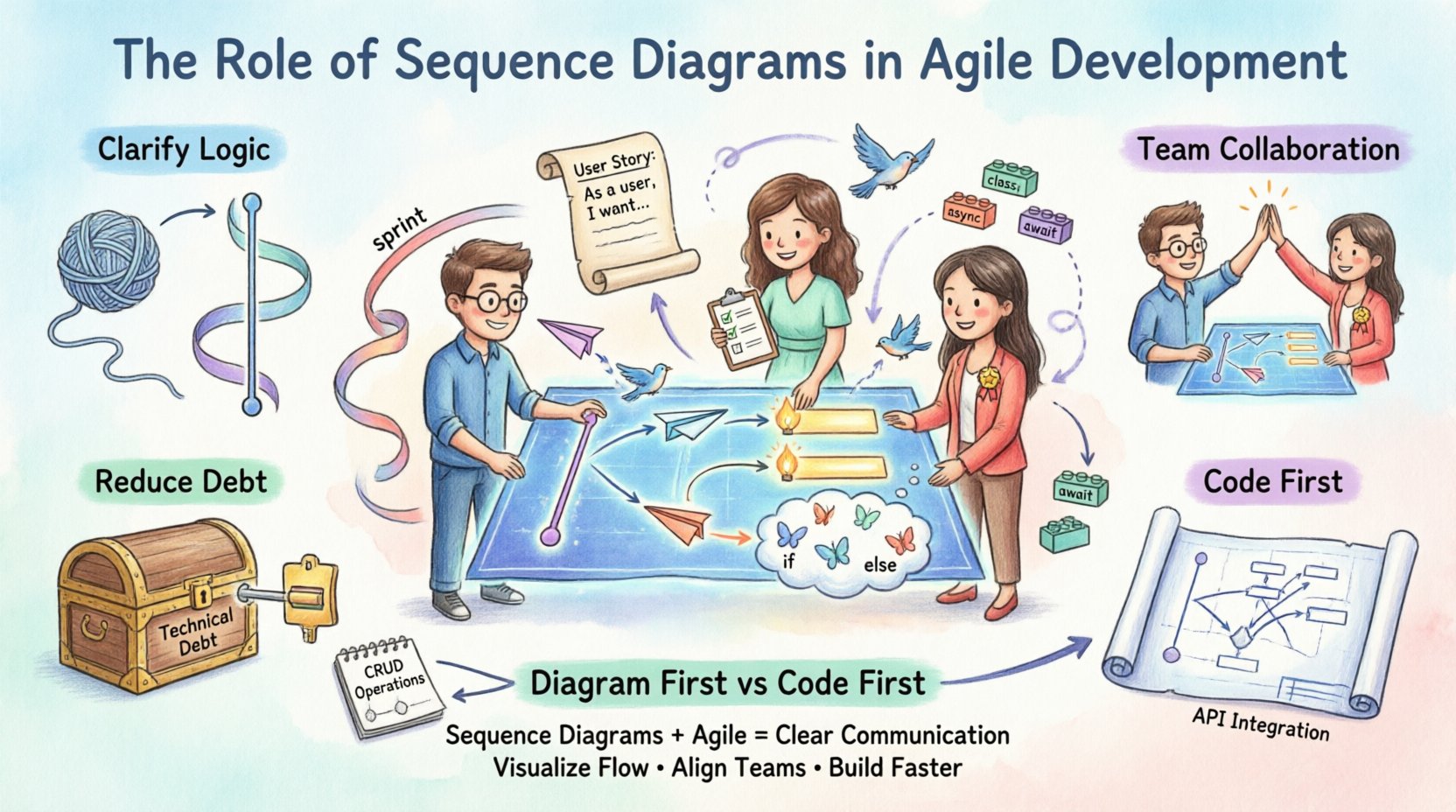
1. Clarifying Complex Logic
When a feature involves multiple services or external APIs, the logic can become tangled. Describing a three-way handshake between a frontend, a gateway, and a database verbally is prone to errors. A sequence diagram maps out the exact steps.
Step 1: User initiates action.
Step 2: API Gateway validates token.
Step 3: Service queries database.
Step 4: Response aggregates and returns.
Seeing this vertically helps identify bottlenecks or missing error handling paths that text descriptions might miss.
2. Enhancing Collaboration
Sequence diagrams are accessible to both technical and non-technical team members. While developers understand the specific API calls, product owners can follow the flow of a transaction. This democratizes the design process. It allows the product owner to ask questions about the flow rather than just the data.
3. Reducing Technical Debt
Skipping design often leads to patchwork code that is hard to maintain. By planning interactions early, teams ensure that error handling, timeouts, and retry logic are considered. This proactive approach reduces the accumulation of technical debt over multiple sprints.
🛠️ Integrating Sequence Diagrams into Sprints
Integrating design artifacts into Agile requires a balance. The goal is to create value without creating waste. Here is how to fit sequence diagrams into the standard Agile workflow.
Sprint Planning
During planning, the team selects user stories. For stories with high complexity, the team can draft a high-level sequence diagram. This does not need to be perfect. It serves as a starting point for discussion. The focus is on identifying dependencies. If Story A requires a new endpoint that Story B depends on, the diagram reveals this conflict early.
Backlog Refinement
Refinement sessions are ideal for diagramming. This is when the team breaks down stories into technical tasks. Drawing the sequence flow helps determine if the story is truly ready for development. If the diagram reveals missing logic, the story can be moved back to the backlog for clarification.
Development
Developers use the diagram as a reference. It acts as a checklist. If the implementation deviates significantly from the agreed flow, the team must pause to discuss why. This keeps the codebase aligned with the architectural intent.
Code Review
Reviewers can compare the implemented code against the sequence diagram. If the diagram shows an asynchronous call but the code uses a synchronous one, the reviewer can flag this. This ensures the architectural contract is upheld.
🤝 Benefits for Cross-Functional Collaboration
Agile teams are often cross-functional, containing developers, testers, designers, and product managers. Each role views the system differently. A sequence diagram provides a neutral ground.
For Developers
Clear interface definitions.
Identification of side effects.
Understanding of error propagation.
For Testers
Visibility into all possible paths.
Ability to derive test cases from the flow.
Understanding of data states between steps.
For Product Owners
Confirmation that business logic is preserved.
Insight into system performance implications.
Understanding of where failures can occur.
Role | Focus Area | Value of Sequence Diagram |
|---|---|---|
Developer | Implementation Logic | Defines method calls and data passing |
QA Engineer | Verification Paths | Highlights edge cases and error flows |
Product Owner | Business Value | Validates transaction flow and user impact |
System Architect | Integration | Ensures compatibility between services |
⚠️ Common Challenges in Diagramming
While valuable, sequence diagrams are not without risks. Teams must navigate specific pitfalls to ensure they remain useful.
1. Over-Engineering
Creating detailed diagrams for every single user story is inefficient. Simple features often do not require visual mapping. Teams should reserve diagrams for features with complex interactions, external integrations, or significant business logic.
2. Documentation Drift
If the code changes but the diagram does not, the diagram becomes misleading. In Agile, code evolves rapidly. Diagrams must be treated as living documents. If a diagram is too hard to update, it will be abandoned. Keep them simple and high-level where possible.
3. False Sense of Security
A diagram shows the happy path and defined error paths. It does not guarantee the code will work. Teams must not treat the diagram as a substitute for testing. It is a design aid, not a validation tool.
4. Tooling Friction
Using heavy desktop tools can slow down collaboration. In an Agile environment, speed matters. Teams should choose tools that allow for quick sketching and easy sharing. Whiteboard sessions followed by digital capture often work best.
📐 Best Practices for Technical Writers and Developers
To maximize the utility of sequence diagrams, follow these established practices.
Start with the User: Begin the diagram with the actor or external trigger. This grounds the diagram in the user experience.
Limit Lifelines: Do not overcrowd the diagram. If there are too many objects, consider breaking the flow into multiple diagrams.
Use Standard Notation: Stick to standard UML message types (solid arrow for synchronous, dashed for asynchronous). Avoid custom symbols that confuse readers.
Focus on Critical Paths: Do not diagram every single getter or setter. Focus on the core transaction flow.
Label Messages Clearly: Use meaningful names for messages. Instead of “msg1”, use “validateUserInput”.
Review Regularly: Treat the diagram as part of the definition of done. It should be reviewed alongside the code.
⚖️ When to Diagram and When to Code First
Not every feature requires a diagram. Teams must exercise judgment. The decision depends on the complexity and risk of the change.
Scenario | Recommendation | Reasoning |
|---|---|---|
Simple CRUD Operation | Code First | Low risk, standard patterns apply. |
New Third-Party Integration | Diagram First | High risk, complex handshake required. |
Refactoring Existing Logic | Diagram Existing Flow | Ensures behavior remains unchanged. |
UI State Change | Skip Diagram | Flowcharts or wireframes are better suited. |
Microservice Communication | Diagram First | Network latency and failures must be planned. |
This matrix helps teams decide where to invest time. The goal is efficiency. Spending two hours on a diagram for a simple button click is a waste. Spending five minutes on a diagram for a payment gateway integration saves days of debugging.
🔄 Maintaining Diagrams Over Time
Maintaining documentation in a fast-moving environment is difficult. The most effective strategy is to keep diagrams close to the code.
Version Control
Store diagrams in the same repository as the source code. This ensures that updates to the code trigger a review of the diagrams. It prevents the documentation from becoming a separate silo that no one touches.
Tooling Integration
Use tools that support text-based diagramming (such as ASCII or domain-specific languages). This allows diagrams to be edited via text editors, reviewed in pull requests, and versioned alongside the code. This approach removes the friction of opening a separate graphic design tool.
Automated Generation
In some cases, code can generate basic sequence diagrams automatically. While this does not replace the need for design intent, it ensures the diagram matches the current code state. This is particularly useful for regression testing of architecture.
🧠 The Human Element in Design
Technology is secondary to the people using it. Sequence diagrams are a tool for human understanding, not just machine instruction. They facilitate the shared mental model that Agile teams need.
When a team sits down to draw a diagram, they are negotiating a shared reality. One person might assume a call is instant; another might assume it is async. The act of drawing forces these assumptions into the open. This discussion is often more valuable than the final image on the screen.
The diagram itself is a byproduct of the conversation. The conversation is the value. If the diagram helps the team talk better, it has succeeded. If the team talks better without it, that is also acceptable. The goal is clarity, not compliance.
🔗 Linking Design to Testing
One of the strongest use cases for sequence diagrams in Agile is in test automation. Testers can extract steps directly from the diagram to create automated test scenarios.
Integration Tests: Verify that the sequence of calls matches the diagram.
Contract Testing: Ensure that the input and output messages match the defined signatures.
Performance Testing: Identify bottlenecks in the flow (e.g., multiple sequential database calls).
This alignment ensures that the tests verify the correct behavior. It prevents the situation where code passes tests but does not match the intended design.
🌐 Global and Distributed Teams
For distributed teams, time zones can hinder communication. A sequence diagram serves as a persistent artifact that can be reviewed asynchronously. It reduces the need for lengthy meetings to explain a flow. A team member in one location can review the diagram and leave comments. This asynchronous capability is crucial for modern Agile teams.
📝 Final Thoughts
Sequence diagrams remain a potent tool in the Agile toolkit. They do not replace the need for coding or testing, but they support these activities by providing clarity. When used with discretion, they prevent misalignment and reduce rework.
The key is balance. Do not let diagramming become a blocker. Do not let it become obsolete. Keep them simple, keep them updated, and keep them focused on communication. By doing so, teams can build complex systems with confidence and speed.
Agile is about responding to change. Documentation, including sequence diagrams, should support that response. It should be lightweight, useful, and alive. When the diagram is useful, it earns its place in the workflow. When it is not, it is discarded without guilt. This flexibility is the essence of applying design artifacts in a modern development context.